
Puppy Companion: Interactive Rive Demo
An existing companion character demo. Inspect its default animation and available runtime controls in the portfolio player.
Explore the character’s motion and verified export structure, then use the portfolio player to inspect available runtime controls.
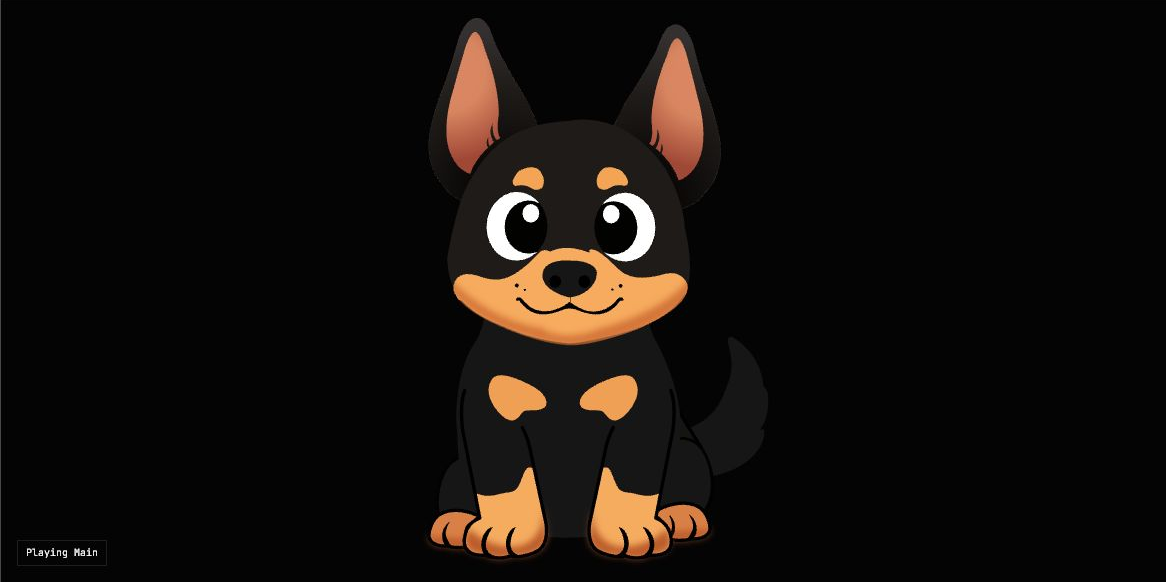
Inside this Rive export
Artboard: Preview. State Machine: Main.
Named animations in the file
Eye Blink, Breathing.
The Main State Machine in this export declares no legacy trigger, number or Boolean inputs. Review its default breathing and blink behavior; product-specific controls can be scoped for a commissioned character.
What to review in this demo
- Agree which screen events request each reaction, and what happens when a new event arrives before the current reaction ends.
- Prepare neutral, waiting and task-feedback behavior around your actual screen flows.
- Define whether interaction comes from app events, touch, pointer movement or a combination.
Inspect the controls exposed by the full portfolio player before assuming a named input or animation exists. The embedded preview plays the file’s default behavior.
From portfolio asset to your project
Controls and runtime
These previews use the WebGL2 Rive web runtime with a contained, centered artboard. Runtime APIs, State Machine inputs and ViewModel properties must match the exported file and selected SDK.
Delivery scope
Your commissioned scope defines artwork rights, .riv exports, states, input documentation, supported runtime and testing responsibilities. These are agreed deliverables rather than inferred from a portfolio preview.